
_edited.png)

How to Add Karaoke to Your DJ Package the Smart Way

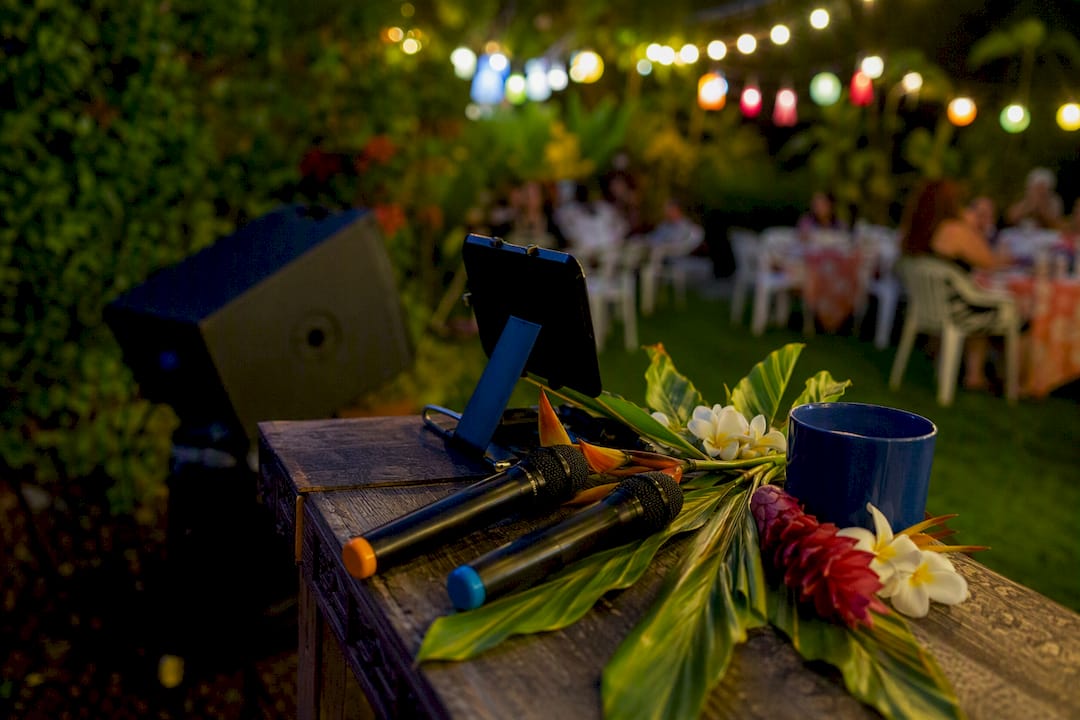
Yes, you can add karaoke to a DJ package, and it’s one of the easiest upgrades you’ll make for your event. You have three main paths: DJ-hosted karaoke (your DJ runs both), an equipment add-on (you or a friend host), or a dedicated karaoke host (KJ) working alongside your DJ. Each option fits different events differently.
DJ-hosted karaoke: best for birthdays and casual parties where the DJ can toggle between sets and songs.
Equipment add-on: works when you already have an enthusiastic emcee in the group.
Hired KJ + DJ combo: ideal for weddings and corporate mixers where you want two specialists running the room at once.
Key Takeaways
Adding karaoke to a DJ package works best when the mic count, hosting role, and song catalog are all confirmed in writing before the event.
Point | Details |
Three implementation paths | Choose DJ-hosted karaoke, an equipment add-on, or a separate KJ paired with your DJ. |
Match karaoke to event type | Best for birthdays, after-parties, and corporate mixers; skip it for formal dinners and tight agendas. |
Confirm gear in writing | Request mic count, backup mics, lyrics-screen placement, and power planning before booking day. |
Pace the queue | Cap songs at four minutes and use QR-code requests to keep the room moving between singers. |
Terriffics packages karaoke with DJ service | Terriffics bundles karaoke as a mix-and-match add-on to its DJ sound and lighting packages across Oahu. |
Table of Contents
When Karaoke Is a Good Fit for Your Event
Karaoke works best when you want guests talking to each other, not just watching a dance floor. It fills the awkward transition periods, like right after dinner or during a lull between formal moments, and turns spectators into participants.
It shines at birthday parties with mixed-age crowds, wedding after-parties, rehearsal dinners, and corporate mixers where coworkers need an icebreaker. Grandma singing Elvis next to a coworker doing Bruno Mars is the kind of moment people remember longer than the cake.
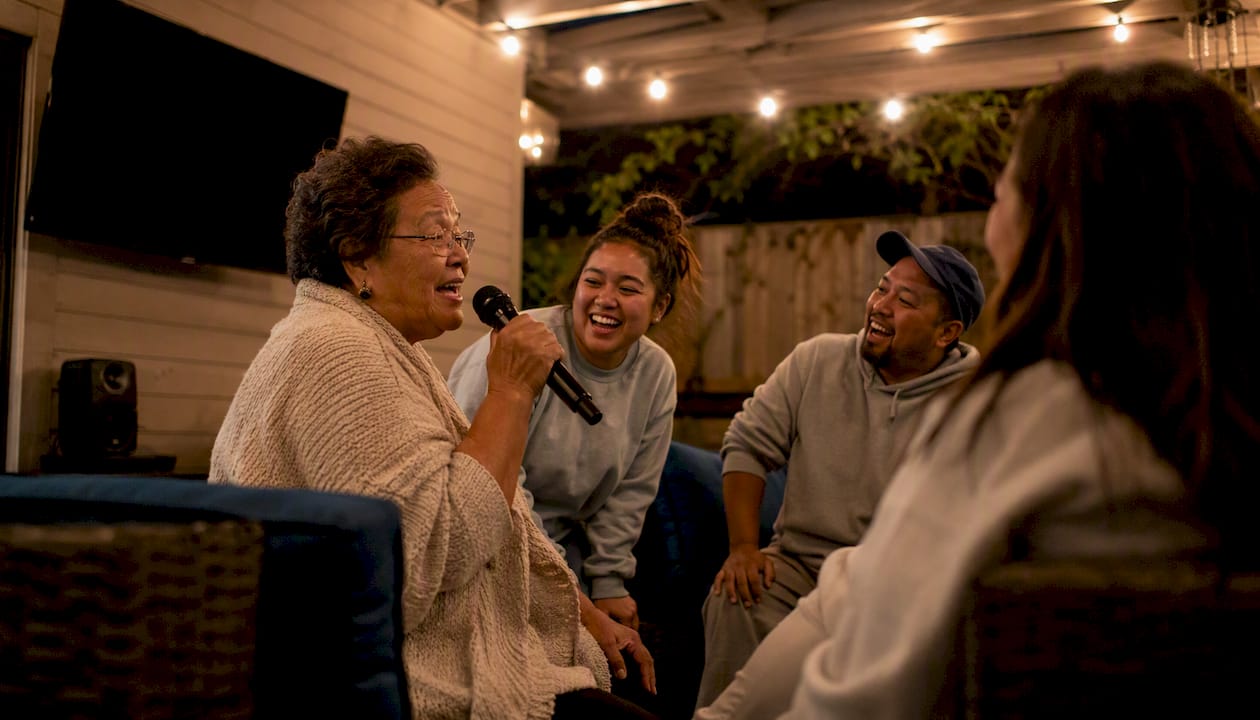
Skip it for formal seated dinners, tightly scheduled agendas with back-to-back speeches, or small adult-only gatherings where conversation is the whole point.
Pro Tip: If you’re unsure whether karaoke fits your event type, ask your DJ which packages they’ve seen work for similar gatherings. Local experience matters more than generic advice here. You can also check this comparison of karaoke or DJ for a party to see which style suits your guest list.
What Logistics Do You Need to Confirm With Your Venue?
Karaoke needs real estate and power, so nail these details before booking day arrives.
Setup and teardown windows. Budget 30 to 45 minutes for setup and 20 minutes for teardown, on top of your DJ’s own timeline.
Screen and mic placement. Lyrics screens need a clear sightline from the singer’s position, and mic stands should sit clear of speaker feedback zones.
Power planning. A dedicated circuit or heavy-duty power strip keeps mixers and screens stable, and a charged backup battery for wireless mics saves you when one dies mid-song.
Venue rules. Confirm amplified-music curfews and ask whether the venue has any restrictions tied to public performance of copyrighted music.
Reviewing power requirements for party entertainment before your event helps you avoid tripped breakers or scrambling for extension cords on the day of.
What Equipment and Software Do You Actually Need?
A karaoke add-on lives or dies on the gear behind it. Here’s what to request or confirm your DJ is bringing:
Microphones: at least two wireless handheld mics, plus a backup wired mic in case a battery fails.
Mixer with enough inputs: to blend mic audio with backing tracks without distortion.
Confidence monitor or lyrics screen: positioned so singers can read words without turning their back to the crowd.
Song catalog access: subscription platforms like KaraFun Business add new songs regularly, which matters if guests request current hits. Bring-your-own libraries skip per-song fees but put the licensing responsibility on the host.
Wireless mics can introduce latency or dropout near heavy Wi-Fi traffic, so a wired backup mic is worth the extra cable.
Pro Tip: Ask specifically whether your vendor’s catalog is licensed or a personal library. It changes who’s responsible if a venue asks about music rights. Platforms like Karaoke King support bring-your-own libraries alongside QR-code singer requests, which gives hosts flexibility either way.
How Do You Run Karaoke Without Killing the Dance Floor?
Three staffing models exist, and each has real tradeoffs. A DJ doubling as KJ is the most affordable option but stretches one person thin during busy stretches. A DJ paired with a dedicated MC splits hosting duties so song announcements never interrupt the music queue. A separate KJ working alongside the DJ costs more but gives weddings and corporate events two specialists focused on their own craft.
Open karaoke in defined blocks, not all night, so the DJ set still anchors the energy.
Cap songs at 4 minutes to keep the queue moving and avoid singer fatigue.
Use QR-code song requests instead of paper slips; platforms like Karaoke King generate these automatically to cut delays.
Set etiquette rules up front: time limits, a family-friendly song policy, and a clear sign-up method.
Software like KaraokeWare blends integrated DJ filler tracks between singers, so the room never goes quiet waiting for the next name to be called.
How Should You Price and Package the Karaoke Add-On?
Vendors typically price karaoke add-ons three ways: a flat add-on fee for the whole event, an hourly karaoke rate stacked onto DJ hours, or an integrated bundle where karaoke is discounted as part of a larger package. Combined DJ-plus-karaoke offerings are a standard commercial packaging model across the mobile entertainment industry, not a niche upsell.
Cost drivers include staffing (a dedicated KJ costs more than a DJ doing double duty), mic count and equipment quality, song licensing or subscription fees, and travel or setup time.
Before signing anything, confirm:
Exact mic count and who supplies backups.
Who provides the lyrics display and song catalog.
Service windows, overtime fees, and cancellation terms.
Pro Tip: Request a written rider or addendum listing every karaoke-specific deliverable. Verbal promises about “two mics and a screen” disappear fast when event week gets busy. Our guide on booking karaoke rental without stress walks through what that addendum should include.
Step-by-Step Checklist to Add Karaoke to Your Booking
Confirm scope with your vendor. Who supplies the equipment, the host, and the song library?
Compile a must-play list with your group ahead of time so the queue has momentum from song one.
Set the rules early: time limits, song-length caps, and a family-friendly policy if kids are attending.
Test equipment before guests arrive, including mic levels and lyrics-screen visibility.
Walk the venue for cable runs to avoid tripping hazards near high-traffic areas.
Arrive early on event day for a mic and screen check.
Run a short rehearsal with at least one singer to confirm audio balance.
Verify backups are charged and within reach before the first guest steps up.
This checklist pairs well with our private party entertainment guide if you’re still finalizing your overall event flow.
What Terriffics Has Learned From Running Karaoke on Oahu
We build karaoke into our DJ packages as a mix-and-match add-on, not an afterthought, because most Oahu clients ask for it once they see how it changes the room. The most common question we field is about mic count. Two wireless mics plus a wired backup covers nearly every party size we’ve worked, from backyard birthdays to hotel ballroom receptions.
The second most common question is timeline flexibility: clients want karaoke to open after dinner but stay optional so the dance floor doesn’t stall. We build that flexibility into the schedule upfront rather than improvising it on the fly. Catalog preferences vary by crowd too. Corporate groups tend to request current chart hits, while multigenerational family parties lean toward classics spanning five decades.
— Terriffics
Ready to Add Karaoke to Your Next Oahu Event?
Terriffics is the practical alternative to piecing together separate DJ and karaoke rentals from different vendors. One booking gets you sound, lighting, and karaoke equipment coordinated by a single crew that already knows how to route mics without feedback and manage a request queue without stalling your dance floor.
Book our DJ and karaoke rental and you get fast setup and teardown, professional mic routing, and a written confirmation of exactly what karaoke gear and hosting support you’re getting. No guesswork about mic counts or who’s running the queue on event day. Browse real equipment and past setups in our gallery, then reach out to check your date and get a quote.
Where to Learn More About Karaoke Hosting and Licensing
KaraFun Business explains catalog licensing versus local public performance license requirements.
Karaoke King details bring-your-own-library hosting and QR-code request systems.
KaraokeWare shows how integrated DJ filler tracks keep transitions smooth.
Our own karaoke rental page covers equipment specs and booking details for Oahu events.
Sources
Recommended
Comments