
_edited.png)

Two Mics Plus a Spare: Prep Your Karaoke Setup Without Feedback
- Terriffics Entertainment

- 3 days ago
- 8 min read
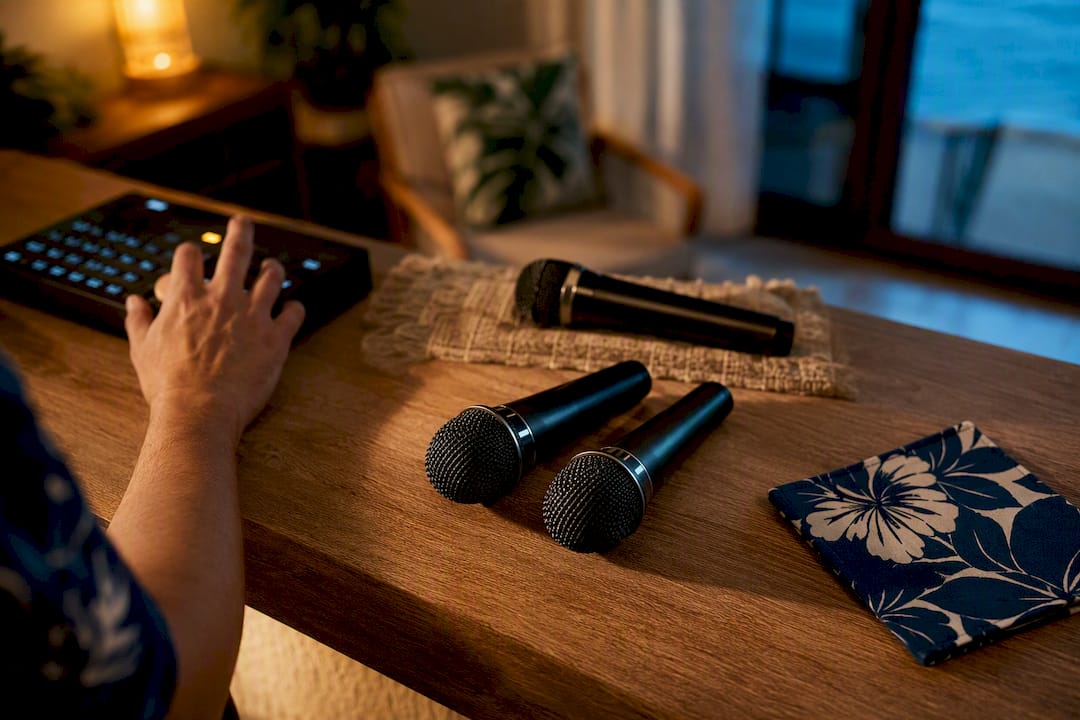
Two microphones handle most karaoke nights just fine. Keep one active for solo turns, two for duets, and a spare charged and ready to swap in. Only bump that up to three or four when you’re running a bigger group with someone dedicated to managing the mixer. Remember that your gear (mixer inputs, wireless channels) sets a hard ceiling on what’s realistic no matter how many people want to sing. The sections below walk through the why and the how.
TL;DR:
Using two microphones is sufficient for most home karaoke setups, with one spare charged microphone always recommended to prevent interruptions.
Managing feedback involves muting unused mics, positioning singers behind speakers, and controlling gain, reverb, and EQ settings carefully.
The maximum number of mics supported depends on available inputs, wireless channels, and RF management, typically four for home systems and more for professional venues.
Dynamic handheld microphones are best for casual karaoke due to their durability and ability to handle high sound levels, while condenser mics suit controlled environments.
Proper setup, discipline with muting, and quick troubleshooting are more crucial than expensive gear when running multiple microphones without feedback problems.
Table of Contents
How Many Karaoke Mics Do You Need by Event Size?
The right mic count depends less on how many people are at your party and more on how many will realistically be singing at once. Here’s the breakdown we use when helping hosts plan their setup.
Solo performer: 1 mic. Simple, and there’s nothing to coordinate.
Duets: 2 mics. This is the sweet spot for most home karaoke nights.
Small party (6 to 15 people): 2 active mics plus 1 spare on standby. You don’t need more mics live at once. You need a fast handoff between singers.
Medium party (15 to 40 people): 2 to 4 mics, but only if someone is managing muting. Without a mute policy, four open mics turn into a feedback problem fast.
Large event or venue: 4 or more mics, and only with professional RF (radio frequency) management. Commercial venues can run 15 to 30 or more wireless channels, but that requires frequency planning most home setups will never need.
That last point matters more than most karaoke shoppers realize. A home system with four wireless mics isn’t scaled down from a nightclub rig. It’s an entirely different engineering problem, and it’s why the venue in that AVNetwork writeup needed dedicated antenna distribution just to keep two dozen channels from stepping on each other.
For a typical living room or backyard party, two mics with one or two optional extras used only during group choruses is the most workable pattern. Leaving all four mics live the entire night is one of the fastest ways to invite feedback, and it makes the sound engineer’s job (even if that engineer is just you, holding a phone and a playlist) much harder than it needs to be.
Pro Tip: Mute the mics you’re not using between songs, not just between singers. A mic sitting live on a table can pick up chatter, clinking glasses, and feedback from across the room, even if nobody’s holding it.
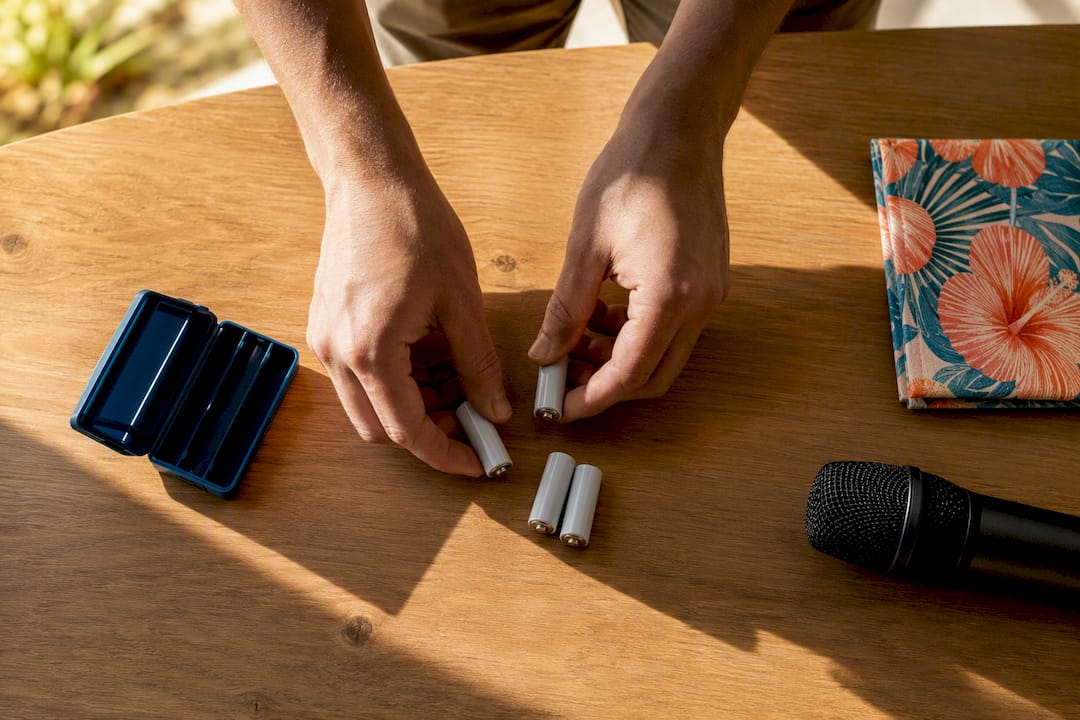
Whatever size event you’re planning, always keep one spare mic and a set of charged batteries within reach. A dead mic mid chorus is the single most common way a karaoke night stalls, and it’s the easiest problem to prevent.
How Do You Manage Multiple Open Microphones Without Feedback?
Running two to four mics smoothly comes down to discipline more than gear. The mute button matters more than the mic count.
Mute anything not in active use. Only singers currently performing should have a live mic. Everyone else stays muted until it’s their turn.
Position singers behind the speaker line. Standing in front of speakers, even slightly, is the number one cause of squeal and howl.
Keep mic distance consistent. Coach singers to hold the mic close and steady rather than waving it around. Distance changes cause volume swings and invite feedback.
Set gain conservatively before adding effects. Dial in trim or gain per channel first, then add reverb. Reverb on top of hot gain is a feedback recipe.
Apply a high-pass filter or notch EQ on feedback-prone frequencies. Most small mixers have a basic EQ; rolling off very low frequencies alone clears up a surprising amount of rumble and buzz.
Add mics one at a time. Bring a second mic live, confirm it’s stable, then add a third. This is the fastest way to find exactly where your system starts to get shaky, according to guidance on managing multiple microphones at home.
Pro Tip: If feedback starts the moment you add a third mic, don’t just turn down the volume. Cut a little reverb first. Reverb amplifies feedback loops faster than raw gain does.
None of this requires an engineering degree. It requires someone at the party who’s watching the mixer and willing to hit mute between turns, which is exactly the role a hired karaoke operator fills at bigger events.
What Equipment Limits How Many Mics You Can Run?
Your gear decides your ceiling before your guest list does. Before you commit to a mic count, check these four things.
Physical mic inputs. Count the mic preamps on your mixer, or the mic jacks on an all-in-one karaoke machine. Most entry-level all-in-ones ship with two wireless handhelds and two wired inputs, which caps you at four total without an upgrade.
Wireless receiver capacity. Each wireless mic needs its own clean channel. Run too many UHF (ultra high frequency) mics close together without proper channel spacing and you get intermodulation, that garbled static that shows up when two signals collide.
Wired vs. wireless trade-offs. Wired mics are cheaper and immune to interference, but cables limit movement and multiply trip hazards at a party. Wireless frees up the room but adds battery management and RF planning to your checklist.
Cable and adapter backups. Keep a couple of DI boxes or adapters and a spare cable on hand. A single frayed XLR cable can silence a mic mid-song.
Battery staging. Charge every wireless mic the night before, and keep spares charging during the event, not just sitting in a drawer.
If you’re consistently hosting for groups larger than a duet, a compact mixer with four mic inputs is usually a smarter buy than a two-mic all-in-one system. That kind of setup, recommended for mobile DJs and bar karaoke, gives you room to grow without replacing your whole rig later.
Which Microphone Types Work Best for Karaoke?
Dynamic handheld mics are the standard for a reason: they’re rugged, forgiving of sloppy technique, and affordable. A nervous first time singer holding the mic too close or shouting into it won’t blow out a dynamic capsule the way it might a delicate condenser mic.
Dynamic handhelds: the default choice for karaoke. They handle drops, sweaty hands, and loud belting without distorting.
Condenser mics: better suited to controlled, quiet, studio-like settings. They’re more sensitive to background noise, which makes them a poor fit for a noisy living room or backyard party.
Wireless handhelds: give singers freedom to move and pass the mic around, but they add battery management and require a bit of RF awareness to avoid interference.
Headset or lavalier mics: useful for hosts, emcees, or performers who need both hands free, though they’re less common for casual karaoke singers.
On price, entry-level dynamic handhelds start affordably and cover most home needs, while mid-range wireless systems buy you longer range and steadier signal for outdoor events or bigger rooms. Professional grade wireless rigs cost more but deliver the channel stability that a busy corporate event or wedding demands.
How Do You Set Up 2 to 4 Karaoke Mics the Right Way?
Getting a multi mic setup right isn’t complicated, but skipping steps is exactly how feedback and dead air happen mid party. Follow this sequence.
Pre-check your gear. Lay out cables, confirm speaker placement, and have spare batteries within arm’s reach before guests arrive.
Pair and scan wireless mics. Select channels with headroom, and avoid frequencies already congested by other nearby devices.
Set channel gain with everything muted. Bring up one mic at a time and balance vocal level against the music track before opening a second.
Add mics incrementally. Test a duet, then a group line, watching for instability as each mic goes live.
Trim reverb if feedback creeps in. A little less effect almost always solves more than a lot more gain.
Run a final checklist before doors open: spare mic charged and ready, charging kit accessible, and an operator assigned if you have one.
Pro Tip: Test your loudest planned moment, usually a big group chorus, before guests arrive. If it’s stable at rehearsal volume, it’ll hold up once the room is loud and singers get excited.
This sequence matters more for four mic setups than two mic ones. With just a duet running, most small systems tolerate a little sloppiness. Add a third or fourth mic and every gain setting, every EQ tweak, and every mute discipline habit starts to matter.
How Do You Fix Common Multi Mic Problems Fast?
Most karaoke hiccups fall into four categories, and each has a quick fix.
Latency: if vocals lag behind the music, check whether you’re routing through HDMI or Bluetooth. Switching to a direct analog connection often removes perceptible delay entirely.
Interference: static or dropouts usually mean a crowded RF band. Move the receiver, change channels, or drop transmitter power. Switching that mic to wired is a reliable fallback.
Feedback: lower the gain first, mute mics not in use, and reposition singers away from speakers. A notch EQ cut on the offending frequency helps when the squeal is persistent.
Dropouts or dead batteries: swap in your spare mic immediately rather than troubleshooting mid song. Diagnose the failed unit after the party, not during it.
When in doubt, rotating two reliable mics between singers beats running four unstable ones. Simplicity wins on a karaoke night.
How Does Terriffics Handle Mic Counts on Real Events?
Most karaoke rental packages often include two active microphones plus a charged spare, as that combination covers the overwhelming majority of parties without inviting feedback problems. For bigger events, such as graduation parties or corporate events with rotating group performances, stepping up to four mics is usually recommended when an operator is staffed to manage muting and swaps in real time.
That operational discipline is the part hosts underestimate. Someone needs to be watching the mixer, muting mics between turns, and staging a spare mic and battery kit within reach the entire night. This is often included in setups, helping teams turn a mic swap around quickly.
If you’re weighing whether to DIY your next event or bring in equipment and setup help, our guide on organizing a karaoke party that flows walks through the staffing side, and our post on corporate karaoke event setups covers what changes at a larger scale.
Why Quick Rules Beat Technical Theory for Most Karaoke Hosts
Most karaoke advice online overcomplicates a simple decision. Hosts don’t need a lecture on RF theory. They need to know how many mics to charge before the party starts, and that answer is almost always two, plus a spare.
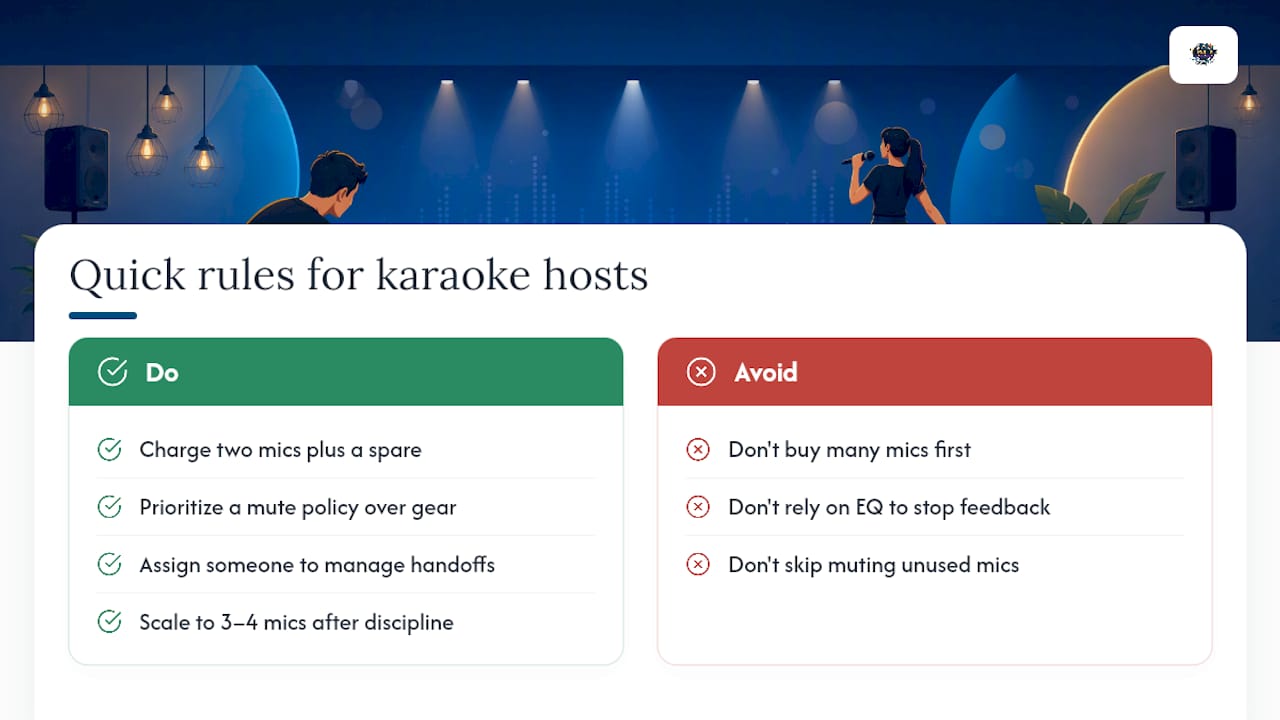
Where conventional advice falls short is in treating mic count as a hardware problem when it’s usually a discipline problem. Four mics fail at home parties not because the gear is bad, but because nobody’s muting the ones that aren’t in use. That single habit prevents more feedback than any EQ setting.
If you take one thing from this guide, prioritize the mute policy over the mic budget. Buy or rent two solid dynamic mics, keep a spare charged, and assign someone, even informally, to manage handoffs. Scale up to three or four mics only once that discipline is already working. Skip that step, and more mics just means more ways for the night to go sideways.
— Terriffics
Ready to skip the troubleshooting and let a crew handle it? Browse our event photo gallery to see past setups in action, or check out our photobooth rental page to see how we bundle karaoke with other entertainment for Oahu events.
Sources
Recommended
Comments