
_edited.png)

Photo Booth Sharing Options: What Actually Gets Guests Sharing

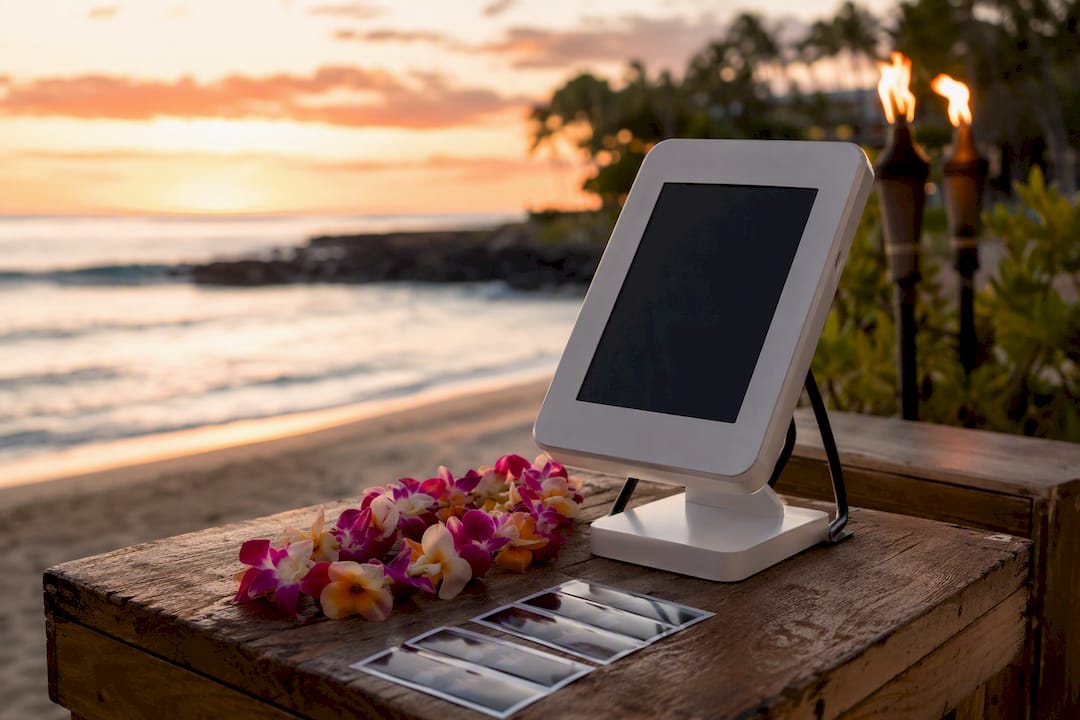
The fastest, lowest-friction setup for any event is a separate sharing station paired with a cloud gallery, instant SMS or QR delivery, and AirDrop as a bonus for Apple users. Before you turn any of it on, enable per-event sharing settings and show guests a plain-language consent screen. Then test the whole delivery chain before doors open.
Set up a sharing station so guests browse and send photos without blocking the camera line
Turn on per-event settings for SMS, email, and QR based on venue Wi-Fi and guest demographics
Show a consent screen with separate opt-ins for delivery, marketing, and any AI features
Run a delivery test the day before, from booth to phone, start to finish
Key Takeaways
A sharing station paired with a cloud gallery and SMS/QR delivery, backed by explicit per-event consent, is the setup that scales across event types and guest counts.
Point | Details |
Separate the sharing station | Give guests their own tablet to browse and send photos so the booth camera never stops shooting. |
Match method to the crowd | Lean on SMS and QR for most guests, AirDrop for Apple users, email for archival quality. |
Consent comes before AI | Use separate opt-ins for delivery, marketing, and any biometric AI feature to avoid BIPA exposure. |
Build for offline failure | LAN-hosted microsites and QR fallbacks keep sharing working when SMS or Wi-Fi drops. |
Terriffics runs it for you | Terrifficsentertainment’s Oahu photobooth rentals include sharing station setup, branded galleries, and privacy handling built in. |
Table of Contents
Photo Booth Sharing Options Compared: SMS, QR, Email, and More
Every event has a different mix of guests, Wi-Fi, and phone habits, and that mix should decide which sharing method leads. Most professional photo booth software supports SMS, email, QR codes, and direct social uploads, often bundled with cloud gallery hosting. Here’s how each one actually performs on-site.
SMS/text: The fastest option for guests, but it depends on a working carrier connection and requires an opt-in before you can text anyone.
QR codes: Work with no cell signal if you’re hosting the gallery on a local network, and they let anyone with a phone camera jump straight to their photo without an app.
AirDrop: Instant and full-resolution, but it only works phone-to-phone between Apple devices, so it’s a supplement, not a primary method.
Email: Slower to land in an inbox, but it delivers the highest-resolution files and doubles as a built-in archive for the client.
Cloud gallery: A branded hub where every photo from the event lives, giving guests a place to browse, download, and reshare on their own time.
Direct social uploads: Convenient when it works, but it depends on guests being logged into the right app and on that platform’s own sharing permissions, which can change without notice.
For most weddings and corporate events, a cloud gallery backed by SMS and QR covers the vast majority of guests. Email and AirDrop round things out for the outliers.
How to Set Up a Sharing Station at Your Event
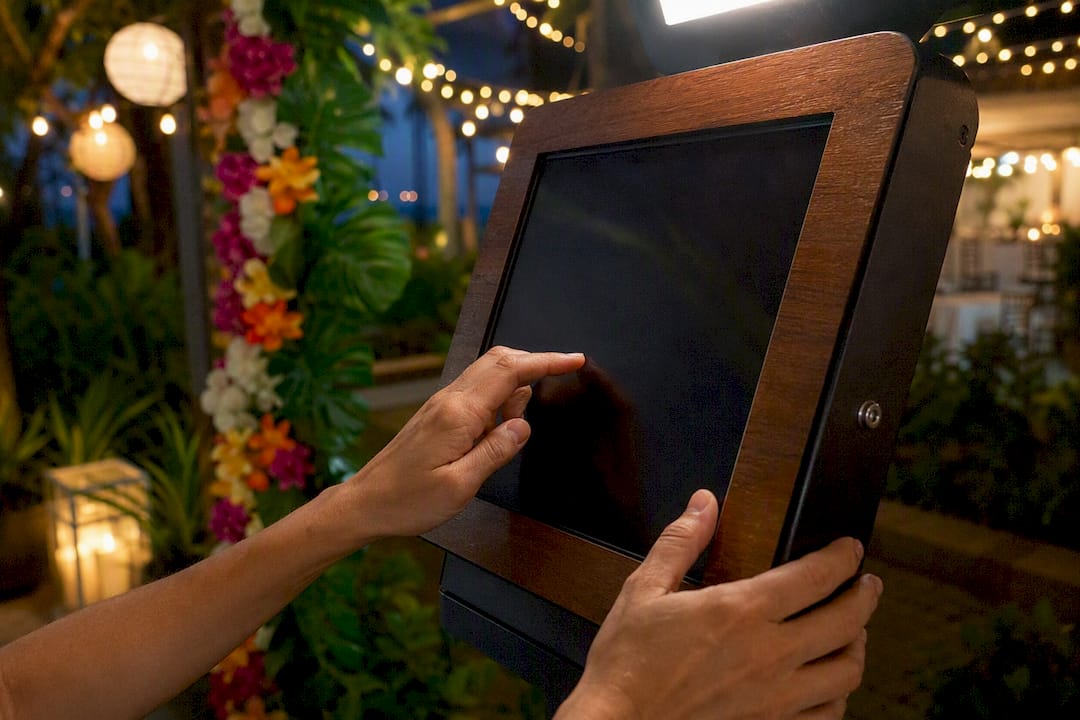
A sharing station is a tablet or iPad set apart from the capture booth, dedicated entirely to browsing sessions and sending photos. It’s the single biggest fix for the bottleneck that kills throughput at busy events: guests standing at the booth scrolling through photos while a line forms behind them.
Pick the hardware and the spot. An iPad on a stand, positioned a few feet from the capture area, works better than a shared laptop, since multiple guests can use it while the booth keeps shooting.
Configure folder-watching or LAN sync. The station needs to see new photos the moment they’re captured, using session UIDs or tokens to pair each photo set with the right guest session.
Add a second (or third) iPad for high-volume events. Wedding receptions with 150-plus guests move faster with two stations running in parallel, each with its own session timeout that resets the screen to ready mode after a set idle period.
Build the sharing UX around speed. One-tap share buttons, a select-multiple option for group photos, and a short list of template messages (“Here’s your photo from tonight!”) cut the time each guest spends at the screen.
Test the full chain before the event. Send a photo through every enabled channel, SMS, QR, and email, and time how long each one takes to land.
Dedicated stations measurably increase guest throughput by letting the booth keep shooting while guests share on their own device and their own schedule.
Pro Tip: Set the kiosk’s idle timeout to 45 seconds. Long enough for a guest to pick their favorite shot and tap send, short enough that the screen resets before the next group even reaches it.
Software and Sharing Features Worth Checking Before You Book
Not every booth platform handles delivery the same way, and the gaps usually show up mid-event, right when you can’t afford them. Run through this checklist before committing to any software.
Core delivery channels: SMS through a provider like Twilio, email via SMTP or Gmail with template support, QR generation, and AirDrop compatibility.
Offline resilience: folder-watching that works without internet, plus multi-station sync so two or three iPads stay in step at the same event.
Security controls: configurable retention windows, unique temporary links instead of predictable URLs, and gallery authentication so only the right guests see their photos.
Automation and integrations: webhooks for triggering follow-up actions, CRM capture for lead-driven corporate events, and white-label microsites that carry your brand instead of the software vendor’s.
A real end-to-end test: not just “does the app open,” but a full run from photo capture to a guest’s phone, on the actual venue Wi-Fi if possible.
Platforms like PixoShare illustrate how these pieces fit together: folder-watching, SMS, email, QR, AirDrop, multi-iPad support, and offline modes bundled into one system built specifically for event use.
Privacy, Consent, and What to Ask Your Vendor
Sharing fast doesn’t mean skipping consent, and skipping it is the fastest way to turn a fun booth into a liability. Build the consent screen before you build anything else.
Separate opt-ins, not one blanket checkbox: one for photo delivery, one for marketing use, and a distinct one for any AI feature that touches biometric data.
Know when you’re in biometric territory. If software extracts facial templates for recognition or return-guest matching, Illinois’ BIPA law can apply with penalties running in the low thousands per violation, varying by negligence or intent. Keeping AI features purely artistic (filters, styles) rather than identity-matching sidesteps this risk entirely.
Short retention windows and unique, non-guessable links reduce how much data sits around waiting to be exposed.
Rate limiting on the gallery stops automated scraping before it becomes a headline.
Ask vendors directly: where is data stored, what’s the breach notification timeline, has the platform had a third-party security audit, and will they sign a data processing agreement?
A widely reported 2025 incident showed how guessable gallery URLs without authentication exposed customer photos publicly. Malwarebytes’ own analysis of the flaw recommended non-guessable links, password protection, and rate limiting as the baseline fix, not an advanced one. Post a simple sign near the booth explaining how long photos stay online and how a guest can request deletion.
When the Wi-Fi Fails: Backup Plans That Actually Work
Connectivity drops. Venues with thick concrete walls or basement ballrooms will test every assumption you’ve made about “reliable” internet.
Run a LAN-hosted microsite with folder-watching syncing locally, so photos still reach the sharing station even with zero outside internet.
Fall back to QR or AirDrop the moment SMS delivery fails, and print a small receipt with the session’s UID so guests can retrieve their photo later if needed.
Test your SMS provider and sender ID a few days before the event. Carrier filtering can silently block messages from a new or unverified number.
Compress images for upload when bandwidth is thin, and hold the full-resolution files locally for delivery once connection returns.
Give staff a short script: “Let’s try the QR code instead. Scan this and it’ll pull your photo right up.”
Terriffics’ Recommended Defaults for Event-Ready Sharing
After running photo booths across dozens of Oahu events, we’ve settled on defaults that hold up under real guest traffic, not just in a demo. A 45 second kiosk timeout. One sharing station per 75 guests, two for anything larger. Per-event toggles are set the week of the event, not left on factory defaults.
Run a network test at the venue at least a day out, not the morning of
Send test SMS and QR links to your own phone before doors open
Confirm the consent screen displays correctly and opt-ins save properly
Capture a sample session start to finish, including delivery
Our photobooth rental packages include full setup, teardown, and branded galleries handled for you. For more on planning the booth itself, see our Oahu rental planning guide and our post on designing a photo booth for any event.
What Most Sharing Advice Gets Wrong
Most guides treat photo booth sharing options like a software feature comparison, listing checkboxes without ever asking what happens when the venue Wi-Fi drops mid-reception or when a guest’s carrier silently blocks your SMS sender ID. That’s the gap we see most: plenty of advice on which app to buy, not much on what to do when the app works perfectly and the network doesn’t.
The conventional wisdom also underrates consent design. Operators treat it as a legal checkbox to get past quickly, when a clear, separate opt-in screen actually builds guest trust and speeds up the line, since people who understand what’s happening to their photo stop asking questions at the booth.
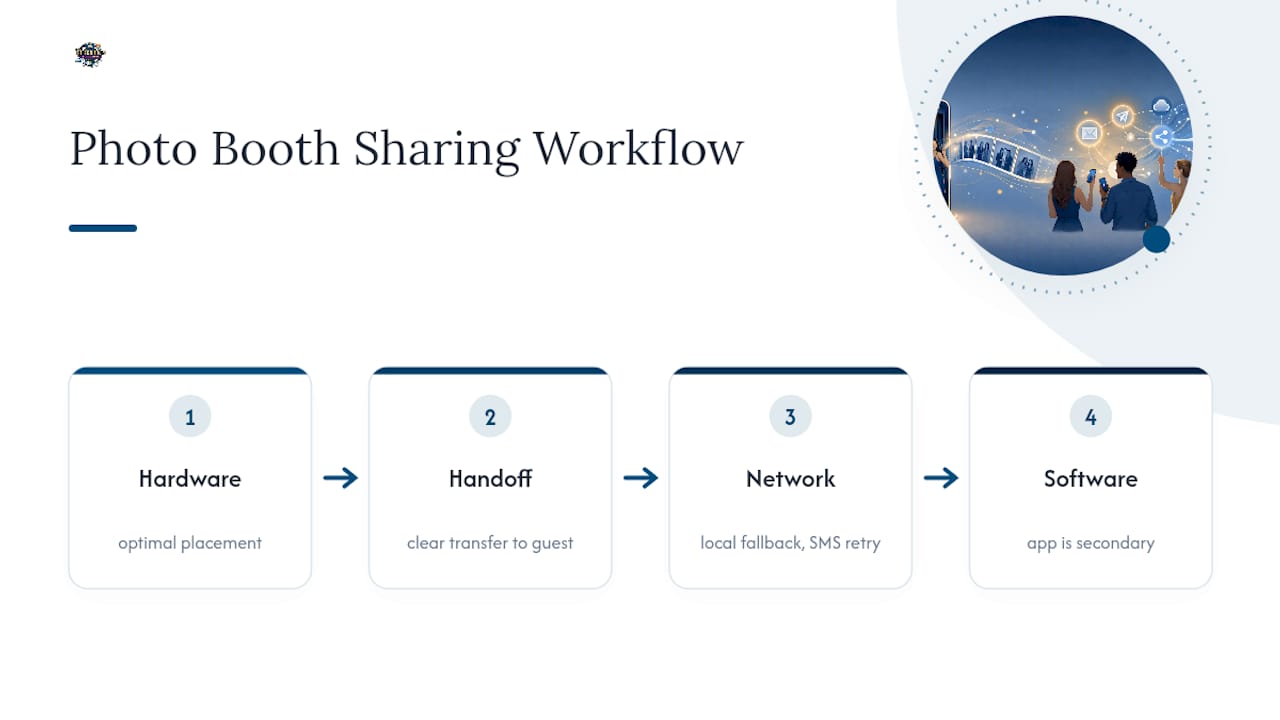
If you’re prioritizing one thing first, make it the sharing station setup, not the software feature list. The right hardware placement and session handoff solve more real-world friction than any single app choice. Software matters, but it’s the second decision, not the first.
Let Terriffics Handle Your Event’s Photo Sharing
Terrifficsentertainment is the alternative to piecing together your own booth, sharing station, and consent screens from scratch. We show up with all of it already configured, tested on real Oahu venues with spotty basement Wi-Fi and outdoor Wi-Fi dead zones alike, so you’re not troubleshooting SMS delivery during your own reception.
Our photobooth rental packages include the sharing station, branded cloud gallery, per-event consent setup, and offline fallbacks built in, all handled by our team from setup through teardown. Browse our gallery of past events to see what a branded delivery experience looks like, then reach out to check availability for your date.
Frequently Asked Questions
What’s the fastest way to share photo booth pictures with guests? A sharing station with SMS or QR delivery gets photos into guest hands within seconds, without holding up the capture line.
Do I need separate consent for AI photo booth features? Yes. Consent for photo delivery, marketing use, and any AI feature that touches biometric data should be three separate opt-ins, not one blanket checkbox.
What happens if there’s no Wi-Fi at the venue? A LAN-hosted microsite with folder-watching keeps sharing working locally, and QR codes or AirDrop serve as fallbacks if SMS fails.
Is AirDrop a reliable primary sharing method? No. It only works between Apple devices at close range, which makes it a useful backup rather than a main delivery channel.
How long should a photo booth gallery stay online? Shorter retention windows reduce risk. Pair a defined retention period with non-guessable links and gallery authentication to limit exposure.
Sources
Recommended
Comments